Instagram DP Downloader: Save Profile Pictures in Full Size
Need to view or save an Instagram profile picture in full resolution? Our free Instagram DP downloader lets you download any profile photo in HD quality—no login required, no app installation, completely free and instant.
What is an Instagram DP?
DP stands for “Display Picture”—the profile photo that appears as a small circle on Instagram accounts. While you can view these tiny thumbnails on the platform, Instagram doesn’t provide a way to see or download them in full size. Our tool solves this limitation by:
- Enlarging tiny profile circles to full-resolution images
- Revealing HD quality that’s hidden in the compressed thumbnail
- Downloading instantly without complicated processes
- Preserving original quality as uploaded by the user
Why Download Instagram Profile Pictures?
There are many legitimate reasons to save Instagram DPs in full size:
- Verify accounts by examining profile photos closely for authenticity
- Create contact lists with recognizable profile pictures
- Design projects requiring high-quality images (with permission)
- Save memories of friends’ profile pictures over time
- Business research analyzing competitor branding and visuals
- Reconnect with people by matching faces to profiles
How to Download Instagram DP in 3 Easy Steps
Saving profile pictures is remarkably simple:
Step 1: Get the Username Find the Instagram account whose DP you want to download and note their username (without the @ symbol)
Step 2: Enter the Username Type or paste the username into our download box above
Step 3: Download Full Size Click the download button and save the high-resolution JPG file to your device
The entire process takes under 10 seconds, and you can download unlimited profile pictures without any restrictions.
Complete Guide: How to Download DP from Instagram
Mobile Download Process
iPhone (iOS) Steps:
- Open the Instagram app on your device
- Navigate to the profile whose DP you want
- Tap and hold the username to copy it (or manually note it)
- Open Safari or your preferred browser
- Visit our Instagram DP downloader page
- Paste or type the username (without @)
- Tap the download button
- Save the full-size image to your Photos app
Android Device Steps:
- Launch Instagram on your phone
- Browse to the desired profile
- Copy or note the username
- Switch to Chrome or another browser
- Navigate to our DP downloader tool
- Enter the username in the search box
- Tap download and save to Gallery
- Access the HD image from your Downloads folder
Desktop Download Instructions
Using a computer makes the process even faster:
- Open Instagram in your web browser
- Navigate to any profile you’re interested in
- Copy the username from the profile URL or bio
- Paste it into our DP downloader tool
- Click the download button
- Right-click the full-size image
- Select “Save Image As” and choose your destination folder
No software installation or browser extensions needed—everything works directly through your web browser for maximum security.
How to Download Instagram DP in HD Quality
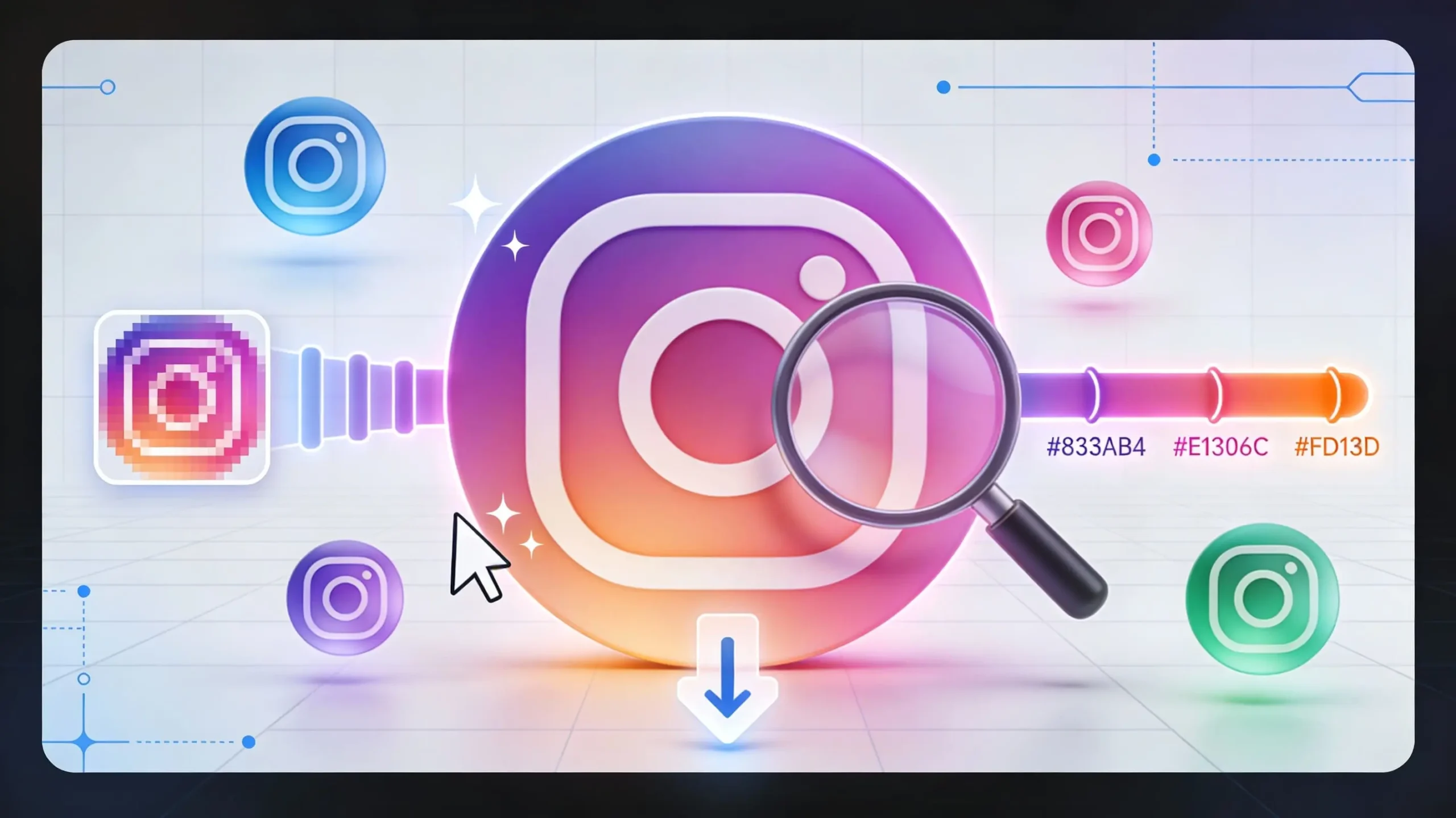
Instagram compresses profile pictures heavily when displaying them as small circles. Our tool accesses the original, full-resolution version:
Standard Instagram Display:
- 110×110 pixels (tiny thumbnail)
- Heavy compression for faster loading
- Limited detail visibility
Our HD Download:
- Up to 1080×1080 pixels (full resolution)
- Original quality as uploaded
- Clear, detailed images perfect for viewing
The difference is dramatic—you’ll see details, textures, and clarity completely invisible in the standard thumbnail view.
How to Download Instagram DP Full Size
Many users wonder why Instagram shows such small profile pictures. The platform prioritizes speed and mobile data efficiency over image size. However, Instagram actually stores full-resolution versions of every DP uploaded.
Our downloader retrieves these hidden full-size images by:
- Accessing Instagram’s public image servers
- Locating the original uploaded file
- Bypassing the compressed thumbnail version
- Delivering the maximum available resolution
The result is the absolute largest version of any profile picture—the same quality the user originally uploaded.
Understanding Profile Picture Privacy
Public Account DPs: Anyone can view and download profile pictures from public accounts. These images are publicly accessible information, just like usernames and bios.
Private Account DPs: Profile pictures remain visible even on private accounts—you don’t need to follow someone to see their DP. Our tool works with both public and private account profile pictures since Instagram displays them publicly regardless of account privacy settings.
Your Own DP: Easily download your own profile picture in full resolution for backup purposes or to use elsewhere.
No Notifications: Instagram doesn’t notify users when someone views or downloads their profile picture. The process is completely anonymous.
Premium Features at Zero Cost
Maximum Resolution Download the highest quality version available—up to 1080×1080 pixels for most modern uploads.
Instant Processing No waiting, no queues—profile pictures appear and download within seconds.
Unlimited Downloads Save as many DPs as you need without daily limits or usage caps.
No Registration Start downloading immediately without creating accounts or sharing personal information.
Works Globally Access profile pictures from any Instagram account worldwide, in any language.
Cross-Platform Functions perfectly on iPhone, Android, Windows, Mac, and tablets through any browser.
Complete Privacy We don’t require Instagram login and don’t store or track your download activity.
Profile Picture Formats and Specifications
Instagram DPs follow specific technical requirements:
Upload Requirements:
- Minimum size: 110×110 pixels
- Recommended: 180×180 pixels or larger
- Maximum stored: Up to 1080×1080 pixels
- Format: JPG, PNG, or HEIC (converted to JPG)
- Shape: Square images cropped to circle display
Download Specifications:
- File format: JPG (universal compatibility)
- Resolution: Original uploaded size
- Aspect ratio: 1:1 square
- Color: Full RGB color space preserved
Downloaded images are perfect for printing, editing, or using in other applications.
Frequently Asked Questions:
How to Download Instagram DP of Private Account?
Profile pictures are visible even on private accounts, and our tool downloads them just like public account DPs. You don’t need to follow the account—simply enter their username.
Can I Download My Own Profile Picture?
Absolutely! Enter your own username to download your current DP in full resolution. This is useful for backing up your profile photo or using it on other platforms.
What If Someone Changes Their Profile Picture?
Our tool always retrieves the current DP. If someone updates their profile picture, you’ll download the new version. Previous DPs aren’t accessible through Instagram’s servers.
Why Does Instagram Show Such Small Profile Pictures?
Instagram prioritizes mobile performance and data efficiency. Small thumbnails load faster and consume less bandwidth, improving user experience on slower connections.
Is the Downloaded Image Exactly What Was Uploaded?
Almost always, yes. Instagram may apply minimal compression to very large uploads, but downloaded DPs typically match the original quality closely.
Do I Need an Instagram Account to Download DPs?
No Instagram account required. Our tool works independently—just provide the username of the profile you’re interested in.
Can I Download Multiple Profile Pictures at Once?
Currently, you download one DP at a time by entering each username separately. This ensures accuracy and quality for each download.
Are There Any Legal Issues with Downloading DPs?
Profile pictures are publicly visible information on Instagram. However, how you use downloaded images matters—always respect copyright and use DPs responsibly.
Responsible Usage Guidelines
While downloading Instagram DPs is straightforward, please use this capability ethically:
Respect Privacy: Don’t use downloaded DPs to impersonate others or create fake accounts
Honor Copyright: Profile pictures belong to their owners—don’t claim them as your own
Personal Use: Keep downloads for legitimate purposes like contact management or verification
No Harassment: Never use DPs in ways that could embarrass, harass, or harm the person
Commercial Restrictions: Don’t use downloaded DPs for commercial purposes without permission
Context Matters: Consider why you’re downloading and whether it respects the person’s dignity
Why Choose a Web-Based DP Downloader: Like Instasave?
Unlike apps that request extensive permissions or browser extensions that may compromise security, our web solution offers distinct advantages:
Zero Installation: Start downloading immediately without adding software to your device
No Permissions: We never request access to your Instagram account or personal data
Always Current: Automatically updated to work with Instagram’s latest changes
Universal Access: Works on any device with a web browser—no platform restrictions
Security Focused: No malware, spyware, or data collection concerns
Clean Interface: Simple, focused design without confusing menus or excessive advertising
Free Forever: No premium versions, subscription traps, or hidden fees
Common Use Cases
Personal Contact Management: Download DPs to create visual contact lists, making it easier to recognize people in your network.
Account Verification: Examine profile pictures closely to verify account authenticity and spot potential impersonators or fake profiles.
Design Reference: Graphic designers and marketers analyze competitor DPs for branding insights and inspiration (for reference only).
Memory Preservation: Save profile pictures of friends and family as digital memories, especially before they change their photos.
Professional Networking: Download DPs of colleagues and clients to create visual directories for easier recognition.
Research Purposes: Academics and journalists studying social media trends analyze profile picture patterns and changes.
Technical Quality Comparison
Instagram Thumbnail View:
- Diameter: 110 pixels
- File size: ~5-10 KB
- Compression: Heavy
- Clarity: Low detail
- Use case: Quick recognition only
Our Full-Size Download:
- Dimensions: Up to 1080×1080 pixels
- File size: 50-500 KB
- Compression: Minimal
- Clarity: High detail visible
- Use case: Viewing, printing, analysis
The quality difference is substantial—downloaded images reveal facial features, text, logos, and details completely lost in tiny thumbnails.
Start Downloading Profile Pictures Now
Ready to view Instagram DPs in their full glory? Simply enter any username in the tool above and download the profile picture in maximum available resolution. Whether you’re verifying accounts, managing contacts, or saving memories, our downloader provides instant, high-quality results.
Bookmark this page for quick access whenever you need to download Instagram profile pictures, and share this tool with friends who want to see DPs in full size. No signup, no limits, no hassle—just fast, free downloads.