Instagram Private Account Downloader: Save Content from Private Profiles
Want to save photos or videos from a private Instagram account? Our Instagram private account downloader helps you preserve content from profiles you follow—completely free, no app installation, and fully secure.
Understanding Private Instagram Accounts
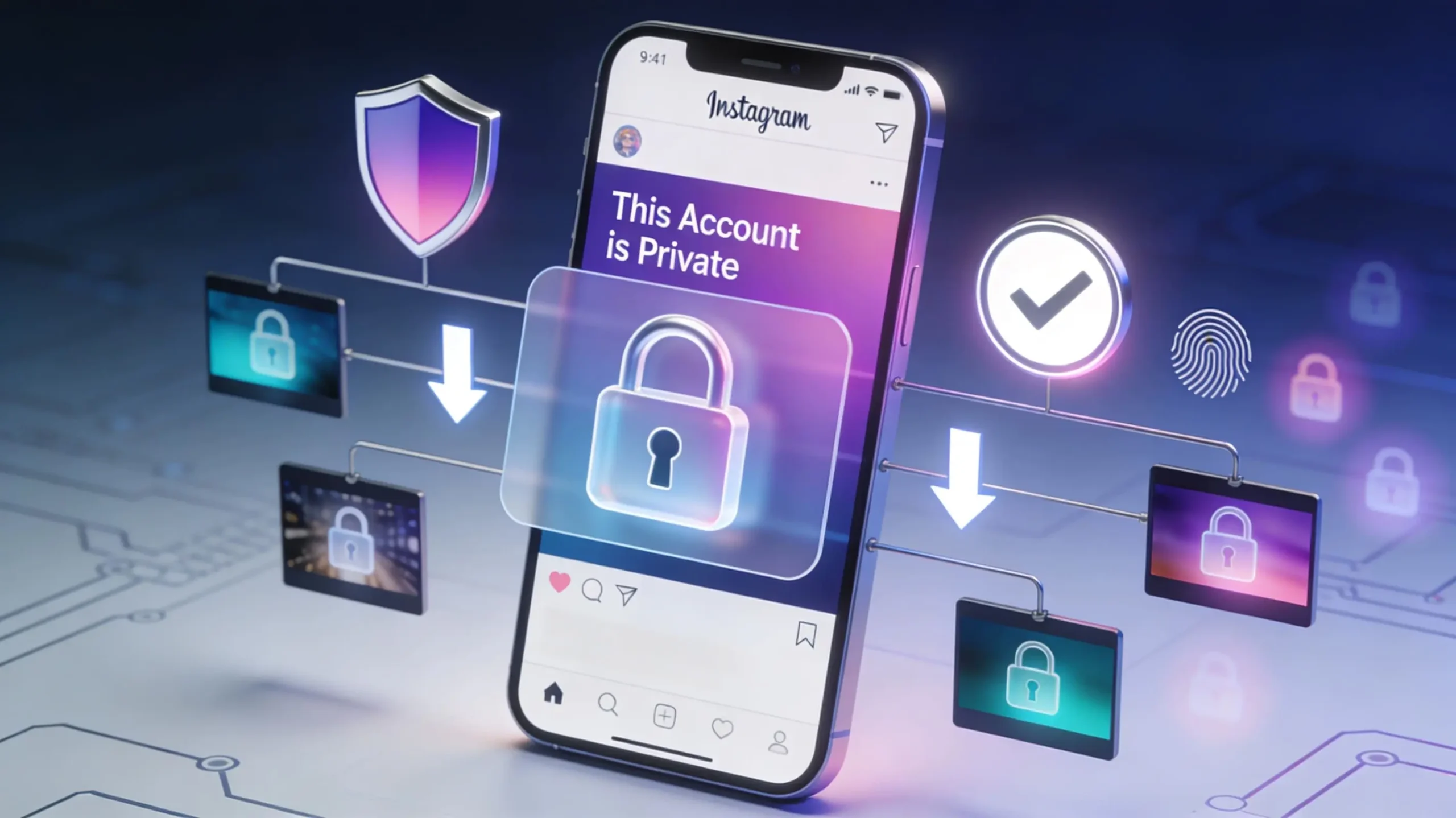
Private Instagram accounts restrict who can view their content. Unlike public profiles where anyone can browse posts, private accounts require approval before you can see their photos, videos, Stories, Reels, or Highlights.
Key Characteristics of Private Accounts:
- Follower approval required to view any content
- Profile picture visible to everyone, even non-followers
- Bio information accessible publicly
- Post count shown but content hidden until approved
- Stories and Reels protected behind privacy wall
If you’re already following a private account, you have legitimate access to their content—and our tool helps you save it for offline viewing or personal archives.
How Our Private Account Downloader Works
Important Clarification: Our tool doesn’t hack or bypass Instagram’s privacy settings. You must already follow and have access to the private account to download content. This ensures ethical use and respects user privacy.
What You Can Download:
- Posts (photos and videos) you can already view
- Stories from accounts you follow
- Reels shared on private profiles
- IGTV videos from private accounts
- Highlights curated on private profiles
What You Cannot Download:
- Content from accounts that haven’t approved you
- Posts you don’t have permission to view
- Content from blocked accounts
How to Download Video from Instagram Private Account
Downloading videos from private accounts follows the same process as public content—with one crucial requirement: you must follow the account first.
Step 1: Ensure You’re Following Verify that you’re an approved follower of the private account. If not, send a follow request and wait for approval.
Step 2: Copy the Video Link
- Open the video post you want to save
- Tap the three dots (⋯) above the post
- Select “Copy Link” from the menu
Step 3: Paste and Download
- Insert the copied link into our download box above
- Click the download button
- Save the MP4 file to your device
The video downloads in its original quality, including audio, exactly as posted by the creator.
How to Download Instagram Stories from Private Accounts
Stories from private accounts disappear after 24 hours, making downloading especially valuable for preserving temporary content.
Mobile Download Process:
- Verify Access: Ensure you follow the private account
- Open Their Story: Navigate to their Story in the Stories bar
- Copy Story Link: Tap the three-dot menu (⋯) and select “Copy Link”
- Use Our Tool: Paste the link into our downloader
- Save Before Expiration: Download within the 24-hour window
Desktop Download Process:
- Open Instagram in your web browser
- Click on the Story from the private account
- Copy the URL from your address bar
- Paste it into our downloader tool
- Right-click and save the downloaded file
Remember that Stories expire after 24 hours unless saved as Highlights, so download them promptly.
Complete Download Guide for Different Content Types
Downloading Photos from Private Accounts
Quick Steps:
- Follow and gain access to the private account
- Navigate to the photo post you want to save
- Tap the three dots (⋯) and copy the link
- Paste into our downloader
- Download the high-resolution JPG file
Photos maintain their original upload quality, preserving resolution and clarity.
Downloading Reels from Private Accounts
Process:
- Confirm you’re an approved follower
- Open the Reel you want to save
- Tap the three-dot menu icon
- Select “Copy Link”
- Paste into our tool and download the MP4 file
Reels download with complete audio tracks, including music and original sounds.
Downloading IGTV Videos from Private Accounts
Steps:
- Access the private account’s IGTV section
- Open the video you want to download
- Copy the video link via the share menu
- Use our downloader to process the URL
- Save the full-length video to your device
IGTV videos can be quite large—ensure you have adequate storage space.
Downloading Highlights from Private Accounts
Method:
- Navigate to the private profile’s Highlights
- Tap the Highlight collection you want
- Copy the link for the entire collection or individual Stories
- Paste into our downloader
- Save the Stories before they’re potentially removed
Highlights are permanent until the account owner deletes them, giving you more time than regular Stories.
Why You Might Download from Private Accounts
Legitimate Use Cases:
Personal Memories: Save photos and videos shared by friends and family before they delete them or change their profiles.
Educational Content: Preserve tutorials, recipes, or instructional videos from private educational accounts you follow.
Business Collaboration: Archive content from private business partners or clients for reference and project work.
Backup Purposes: Create personal backups of meaningful content in case the account is deleted or goes inactive.
Offline Viewing: Save videos and photos for viewing during travel or in areas without internet connectivity.
Creative Inspiration: Archive design, art, or photography content from private creative accounts for legitimate personal inspiration.
Privacy and Ethical Considerations
Respect Privacy Settings: The account owner chose to be private for a reason. Only download content you have explicit or implicit permission to save.
Follow Request Ethics: Don’t request to follow private accounts solely to download their content without genuine interest in following them.
No Redistribution: Never share downloaded content from private accounts on public platforms, other social media, or with people who don’t follow that account.
Honor Trust: When someone approves your follow request, they’re trusting you with access to their private content. Don’t violate that trust.
Personal Use Only: Content from private accounts should remain strictly for personal viewing and reference, not commercial or public use.
Technical Requirements and Limitations
What You Need:
- Active Instagram account
- Approved follower status for the private account
- Access to view the specific content you want to download
- Internet connection to copy links and process downloads
Platform Limitations:
- Cannot bypass privacy settings or hacking tools
- Cannot download from accounts that blocked you
- Cannot access content from pending follow requests
- Cannot retrieve deleted posts or expired Stories
Quality Specifications:
- Videos: MP4 format, original resolution
- Photos: JPG format, maximum uploaded quality
- Stories: Original quality within 24-hour window
- Reels: HD quality with full audio
Frequently Asked Questions
Can I Download from Private Accounts I Don’t Follow? No. Our tool respects Instagram’s privacy settings and only works with content you legitimately have access to view. You must be an approved follower.
Will the Account Owner Know I Downloaded Their Content? Instagram doesn’t send notifications for downloads. However, they may see you’ve viewed their Stories. Our tool operates independently and doesn’t notify anyone.
What If My Follow Request Is Pending? You must wait until the account owner approves your request. Until then, you cannot view or download their protected content.
Can I Download All Posts from a Private Account at Once? Currently, downloads work one post at a time. You’ll need to copy and download each piece of content individually using our tool.
Do Downloads Work If Someone Unfollows Me Back? If you downloaded content while you had access, those files remain on your device. However, you won’t be able to download new content after losing follower access.
Are There Any Legal Issues? Downloading content you have legitimate access to is generally acceptable for personal use. However, redistributing, publishing, or commercially using someone else’s content without permission may violate copyright laws.
What Happens If the Account Goes Public? The download process remains the same whether an account is public or private. Our tool works with both account types seamlessly.
Can I Download My Own Private Account’s Content? Absolutely! Downloading your own content is an excellent backup strategy. Simply copy links from your posts and use our tool.
Security and Privacy Features
No Instagram Login Required: Our tool never asks for your Instagram username or password, eliminating security risks associated with third-party login systems.
Anonymous Downloads: We don’t track which accounts you download from or store any information about your download activity.
No Data Storage: Downloaded files go directly to your device. We don’t keep copies on our servers or create any permanent records.
Browser-Based Security: Everything processes through your web browser without installing potentially unsafe software or browser extensions.
Encrypted Connections: All data transfers use secure HTTPS connections to protect your privacy during the download process.
Why Choose Our Web-Based Downloader?
Advantages Over Apps:
No Installation: Start downloading immediately without cluttering your device with additional apps.
Universal Compatibility: Works on iPhone, Android, Windows, Mac, and tablets through any modern browser.
Always Updated: Automatically adapts to Instagram’s platform changes without requiring manual updates.
Storage Efficient: No permanent footprint on your device beyond the content you choose to save.
No Permissions: Doesn’t request access to your photos, contacts, or other sensitive device data.
Free Forever: No premium tiers, subscription fees, or hidden costs—completely free unlimited downloads.
Best Practices for Downloading
Create Organized Folders: Sort downloaded content by account, date, or content type for easy retrieval and management.
Respect Storage Limits: Videos can be large files—monitor your device storage and delete downloads you no longer need.
Download Promptly: For Stories and temporary content, download as soon as possible before the 24-hour expiration.
Verify Links: Double-check copied links to ensure they’re complete and accurate before attempting downloads.
Maintain Privacy: Keep downloaded content secure on your device, especially sensitive or personal material from private accounts.
Regular Backups: If saving important memories, create backup copies on cloud storage or external drives for added security.
Alternative Methods and Comparisons
Instagram’s Built-In Save:
- Only bookmarks posts within the app
- Requires internet to view saved content
- Doesn’t work for Stories or temporary content
- Limited organization options
Our Downloader:
- Saves actual files to your device
- Enables offline viewing anytime
- Works with all content types including Stories
- Organize files however you prefer
Screenshot/Screen Recording:
- Lower quality than original uploads
- Time-consuming for multiple items
- Notification sent to Story creators
- Captures interface elements unnecessarily
Our Solution:
- Original quality preservation
- Fast batch processing capability
- No notifications sent
- Clean files without UI clutter
Start Downloading Private Account Content
Ready to save meaningful content from private accounts you follow? Simply copy any post, Story, Reel, or video link and paste it into our downloader above. Remember that you must already have legitimate access as an approved follower.
Whether you’re preserving family memories, archiving educational content, or creating personal backups, our tool makes downloading ethical, easy, and instant. Bookmark this page for convenient access whenever you need to save content from private Instagram accounts.
Use responsibly, respect privacy, and enjoy offline access to the content that matters most to you.