Instagram Reels Downloader: Save Your Favorite Short Videos Instantly
Want to keep those entertaining Reels for offline viewing? Our free Instagram Reels downloader makes it easy to save short-form videos directly to your device in full HD quality—no login required, no app installation needed.
Why Download Instagram Reels?
Instagram Reels have revolutionized how we consume bite-sized entertainment, but the platform doesn’t offer a native download option for content you didn’t create. Our tool bridges this gap, allowing you to:
- Watch offline during commutes or flights without internet
- Save tutorials for cooking, fitness, or DIY projects
- Archive inspiration for creative projects and presentations
- Preserve memories from friends and favorite creators
- Study content for social media strategy and marketing
Quick Download Process
Saving Reels takes just three simple steps:
Step 1: Copy the Reel Link Open the Reel you want to save, tap the three dots (⋯), and select “Copy Link”
Step 2: Paste Into Our Tool Insert the copied URL into the download box above
Step 3: Download Your Video Click the download button and save the MP4 file to your device
The entire process completes in under 20 seconds, and you can download unlimited Reels throughout the day.
Key Features That Set Us Apart
High-Definition Quality Every Reel downloads in its original resolution, preserving crisp visuals and clear audio exactly as the creator uploaded it.
No Watermarks Added Unlike some tools, we don’t overlay additional watermarks beyond Instagram’s original branding.
Lightning Speed Our optimized servers process links instantly, making downloads faster than most alternatives.
Universal Device Support Works perfectly on iPhone, Android, Windows, Mac, and tablets through any modern web browser.
100% Free Access No premium subscriptions, hidden fees, or download limits—ever.
Mobile Download Guide
For iPhone Users:
- Open Instagram and navigate to your desired Reel
- Tap the three-dot menu icon
- Select “Copy Link”
- Open Safari or your preferred browser
- Visit our downloader and paste the link
- Tap download and save to your Photos app
For Android Users:
- Launch Instagram and find your Reel
- Tap the three-dot menu (⋯)
- Choose “Copy Link”
- Switch to Chrome or another browser
- Paste the link into our tool
- Download and access from your Gallery or Files
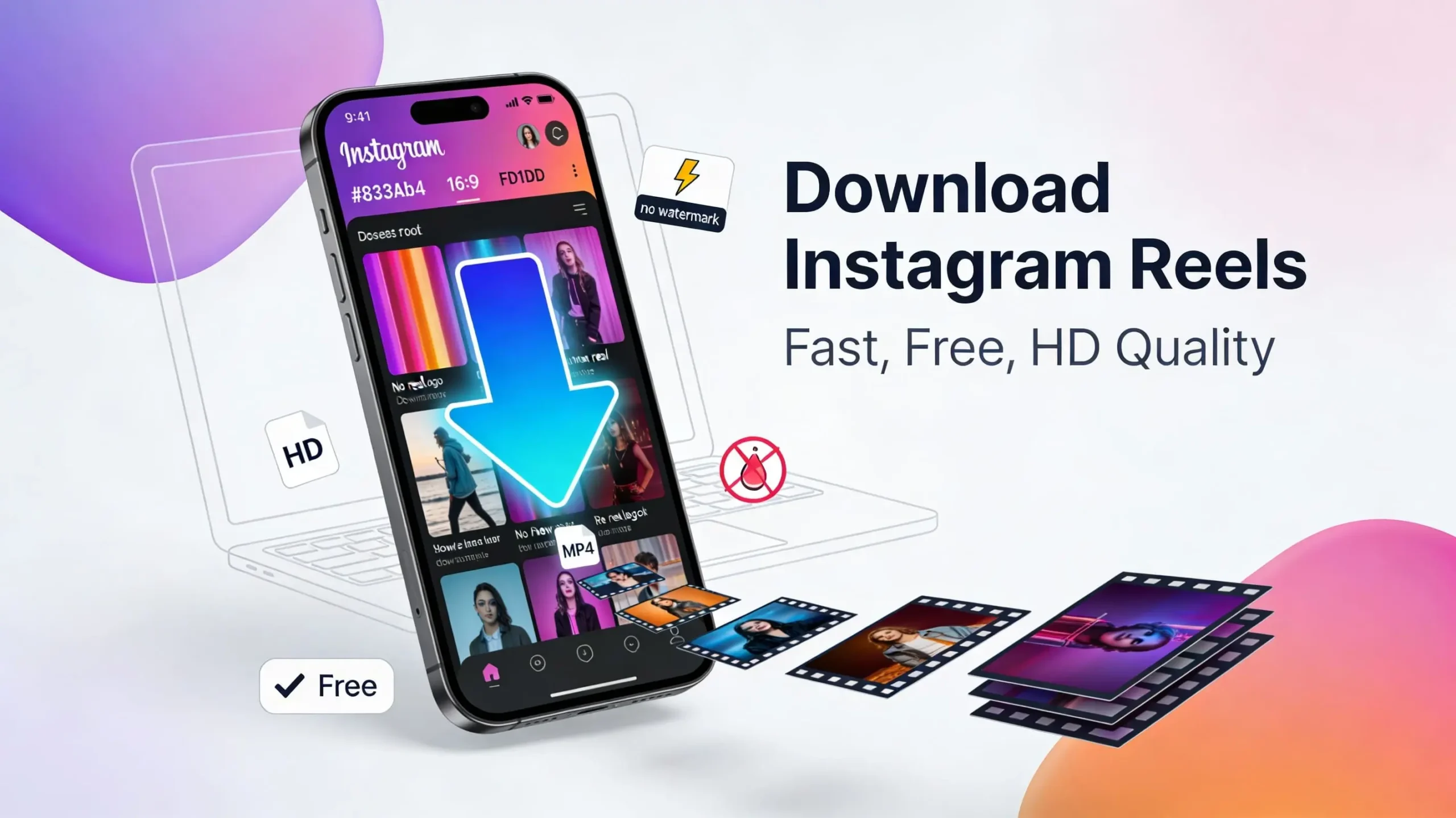
Desktop Downloading Made Simple
Using a computer? The process is even more straightforward:
- Browse Instagram in your web browser
- Open any Reel you want to save
- Copy the URL from your address bar
- Paste it into our downloader
- Right-click the download link and select “Save Video As”
- Choose your destination folder
No browser extensions or software downloads required—everything happens directly through your web browser.
Understanding Reels Format
Instagram Reels are vertical videos up to 90 seconds long, designed for mobile-first viewing. Launched in 2020 to compete with TikTok, Reels have become Instagram’s fastest-growing content format, featuring:
- Full-screen vertical video (9:16 aspect ratio)
- Background music and audio tracks
- Creative effects and filters
- Text overlays and stickers
- Engagement through likes, comments, and shares
Our downloader preserves all visual and audio elements, delivering videos in standard MP4 format compatible with all media players.
Responsible Usage Guidelines
While our tool makes downloading easy, please use it responsibly:
Respect Copyright: Only download Reels you have permission to save and use
Credit Creators: If resharing downloaded content, always tag and credit the original creator
Personal Use First: Keep downloads for personal viewing, education, or inspiration
Privacy Matters: Never download or redistribute content from private accounts without explicit consent
Commercial Restrictions: Don’t use downloaded Reels for commercial purposes without proper licensing
Why Choose Our Web-Based Tool?
Traditional download methods often involve sketchy apps or browser extensions that compromise your security. Our web-based solution offers clear advantages:
No Installation Hassle: Start downloading immediately without cluttering your device
Always Updated: We automatically adapt as Instagram updates its platform
Security First: No permissions needed to access your Instagram account
Privacy Protected: We don’t store your downloads or track your browsing activity
Ad-Free Experience: Clean interface focused on functionality, not distractions
Frequently Asked Questions:
Does this work with private accounts?
You can only download Reels from accounts you follow if they’re private. Public Reels are always accessible.
What video quality can I expect?
Downloads match the original upload quality, typically 1080p HD for most Reels.
Is there a daily download limit?
No limits whatsoever—download as many Reels as you need, whenever you need them.
Do I need an Instagram account?
No account required to use our downloader, though you’ll need one to browse Instagram.
How to download Instagram reels?
To download Instagram reels, you can use the built-in save feature for personal viewing, or use third-party websites and apps like SnapInsta, SaveFrom.net, or Reels Downloader. Simply copy the reel’s link, paste it into the downloader tool, and save the video to your device with original audio intact.
How to download Instagram reels to gallery?
After downloading a reel using a third-party tool or screen recording, the video typically saves to your phone’s Downloads folder. You can then move it to your gallery by opening your file manager, locating the video, and selecting “Move to Gallery” or manually transferring it to your Photos/Gallery app.
How to download Instagram reels online?
Use online tools like SaveInsta, DownloadGram, or Insta-Downloader. Copy the reel’s URL from Instagram (tap the three dots, then “Copy link”), paste it into the online downloader’s input field, click download, and save the video file directly to your device without installing any software.
Start Saving Reels Today
Ready to build your personal collection of inspiring, entertaining, and educational Reels? Simply copy any Reel link and paste it into the tool above. Whether you’re saving dance tutorials, recipe videos, travel inspiration, or comedy sketches, our downloader delivers instant results.
Bookmark this page for quick access, and share it with friends who want to save their favorite Reels for offline enjoyment. Start downloading now and never lose track of content that matters to you.